DIY AI Pipelines: Build Automations by Describing Them in a Message
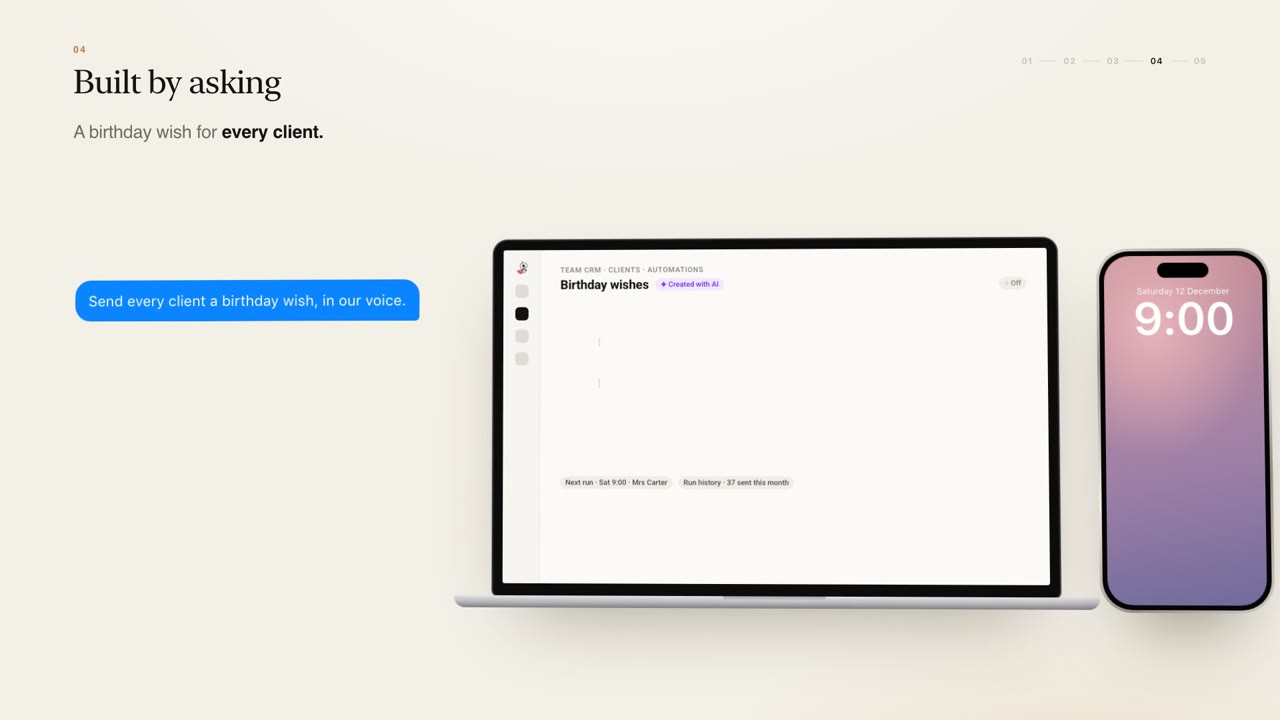
Describe a workflow in plain English and SuperIntern builds the automation on your CRM, tests it on real records, shares it with the team and keeps it running.
DIY AI pipelines let anyone on your team create a business automation by describing it in plain English in a message. SuperIntern builds the pipeline on top of your CRM, tests it on real records, shares it with the team and keeps it running, with no tickets to raise and no new tool to learn.
Every growing business has small, repeated jobs that matter but slip: a birthday message, a renewal reminder, a weekly summary for the owner. Here is how pipelines handle them.
What a DIY pipeline is
A pipeline is a simple rule with an AI step in the middle: when something happens, the AI does some work, then an action follows. What makes it DIY is how you create it. You do not configure a flowchart or wait for a developer. You write a message to SuperIntern describing what you want, the way you would ask a capable colleague.
SuperIntern then:
- Builds the automation on top of your CRM and the shared company brain
- Tests it on real records, so you can see what it would actually do
- Shares it with the team
- Keeps it running, so it does not quietly stop working
You can see this on the home page in the workflows section.
Example: a birthday wish in your voice
Mia runs a small jewellery shop and wants every client to receive a personal birthday message. She describes it in a message, and SuperIntern builds a pipeline like this:
- When: it is the client's birthday, at 9:00
- AI step: write a personal wish based on what the client has bought
- Then: send it on WhatsApp from Mia's own number
Because the pipeline reads from the CRM, each message can mention the client's own purchases rather than a generic greeting, and it goes out from Mia's number, so it reads as coming from her.
Example: a reminder before contracts renew
Renewals are easy to miss when they are months apart. A pipeline can watch for them:
- When: a month before any contract renews
- AI step: prepare a summary of the account
- Then: remind the account owner, with the summary attached
The account owner gets a nudge with the context they need to open the conversation, instead of finding out after the date has passed.
Example: last week's numbers every Monday
Owners often want a regular snapshot without asking for it each time. A pipeline can send it:
- When: every Monday
- AI step: pull together last week's numbers from the shared records
- Then: send them to the owner on Telegram
This sits naturally alongside the daily report and on-demand answers described in our article on AI CRM and auto reports.

Built for the whole team, not one specialist
Many automation tools end up owned by one person who knows how they work. When that person is busy, nothing changes. DIY pipelines are designed the other way round: anyone on the team can run, edit or build on a pipeline.
That means the person closest to the work can improve it. If Tom thinks the renewal reminder should go out six weeks early instead of four, he can say so in a message. If Helen wants the Monday numbers to include quotes waiting, she can add it. The pipeline stays in the shared space, so the whole team benefits.
Safe by default
A pipeline acts on real client data, so it follows the same rules as the rest of SuperIntern. It is tested on real records before it runs, so you can check its output. Answers are permissioned by role, and your customer data never trains anyone else's model. SuperIntern is SOC 2 Type I, GDPR compliant, hosted on Google Cloud and CASA assessed.
Pipelines also connect naturally to the rest of the AI team. A note captured by a personal assistant, or a client logged by the Sales Concierge, becomes a record a pipeline can act on.
How you get started
Each SuperIntern is built around your business by the SuperIntern team, then hosted and improved for you. You start with a free 30-minute consultation with the founding team. Then a tailored solution is piloted on one real workflow, such as a recurring report, with your team for about two weeks, before rolling out to the whole team. There is no price list: pricing is agreed after the pilot and tied to your team and the value delivered.
FAQ
Q: What is a DIY AI pipeline? A: It is an automation you create by describing it in plain English in a message. SuperIntern builds it on top of your CRM, tests it on real records, shares it with the team and keeps it running.
Q: Do I need technical skills to build one? A: No. You describe what you want in a message, the same way you would ask a colleague. There are no tickets and no new tool.
Q: What kinds of pipelines can I build? A: Examples include a personal birthday wish to every client on WhatsApp, a reminder with an account summary a month before a contract renews, and last week's numbers sent to the owner every Monday on Telegram.
Q: Who can change a pipeline once it exists? A: Anyone on the team can run, edit or build on a pipeline.
Q: How do I know a pipeline will do the right thing? A: SuperIntern tests it on real records before it runs, so you can see what it would do first.
See it on your business
The best first pipeline is usually a job your team already does by hand every week. Browse ideas on our use cases page, or book a free 30-minute consultation and bring one with you.