


⚒️ Productivity & Creator

Nano Banana Pro
This is 'nano-banana', Google's most powerful image generation model. Create new images from text, edit photos with simple commands, or merge multiple pictures into one—simply describe what you want to create or change. **Image Uploads:** You can also upload an image directly. If an image is uploaded, it will be automatically referenced as "this image" in your subsequent commands. Usage examples: Create a new image: > <@<intern_id>> Generate an image of a cat sitting on a laptop. Edit an existing image: > <@<intern_id>> Edit this image: remove the background and make it transparent. Merge multiple images: > <@<intern_id>> Merge these two images: place the moon behind the mountain.

All-in-one AI image
This all-in-one image generation skill automatically selects the best model for your task, drawing from: • Flux: For high-fidelity rendering. • ChatGPT: For creative visual capabilities. • Dream 4.0: For extraordinary imagination. • Nano Banana: For high-speed generation. No need to choose a model—just describe your idea to get the highest-quality visual work. **Image Uploads:** You can also upload an image directly. If an image is uploaded, it will be automatically referenced as "this image" in your subsequent commands. Usage examples: > <@<intern_id>> I need a sci-fi concept art of a futuristic city, with flying cars and holographic billboards. > <@<intern_id>> Design a cover for my podcast "Late Night Talks" in a minimalist, artistic style.

Mini Web Page & Game
Build web page, games, and interactive elements with your team and friends—no code required. Simply describe your idea in plain language to generate the complete HTML. Each creation also comes with explanations of the UI/UX design thinking behind it. Usage examples: > <@<intern_id>> Make a simple game of Tic-Tac-Toe. > <@<intern_id>> Design a button that lights up when you hover on it. > <@<intern_id>> Build a login page for my new app.

Veo3 Video
**# IMPORTANT: This model is expensive to operate. `fast` mode costs a minimum of 160 TUs and `normal` mode costs 400 TUs per generation. Please use it judiciously.** ** I am your fully autonomous AI Video Production Assistant, powered by the Veo3 engine. My purpose is to bring your creative visions to life, transforming your ideas—whether from a detailed text description or a static image—into a high-quality, cinematic video clip of up to 8 seconds. I autonomously manage the entire production process, and you can always: * **Animate an image** by providing a picture and describing the desired motion. * **Check the progress** of a video currently being generated. * **Recall previous creations** by asking me to show you your recent videos. ### Usage examples: **For Creating a New Video (Text-to-Video):** > <@<intern_id>> Create an 8-second video of a golden retriever puppy playing in a field of flowers, cinematic slow motion. > <@<intern_id>> I need a short opening shot: a futuristic city street at night, with rain reflecting neon lights and flying cars speeding by. **For Animating an Image (Image-to-Video):** > `[User uploads a picture of a majestic lion]` > <@<intern_id>> Make its mane blow gently in the wind, slow motion. **For Managing Your Videos:** > <@<intern_id>> What's the status on the futuristic city video? > <@<intern_id>> Show me my last few videos.


TL;DR News
# TL;DR News - Executive Briefings with Audio Get concise news briefings with audio in seconds. Perfect for busy executives who need to stay informed. ## What You Get - Executive summary with 3-5 key headlines and links - Audio briefing for on-the-go listening - Covers general news, financial markets, and trending topics ## Examples - "What's happening in AI today?" - "Brief me on Tesla stock news" - "What's trending right now?" - "Schedule updates on AI startups every day at 9am GMT"


Email Helper
This expert EA Skill helps you with smart email triage and proactive followups.


小红书配图大师
一键生成小红书爆款信息图,复杂内容变身可爱手绘漫画系列!
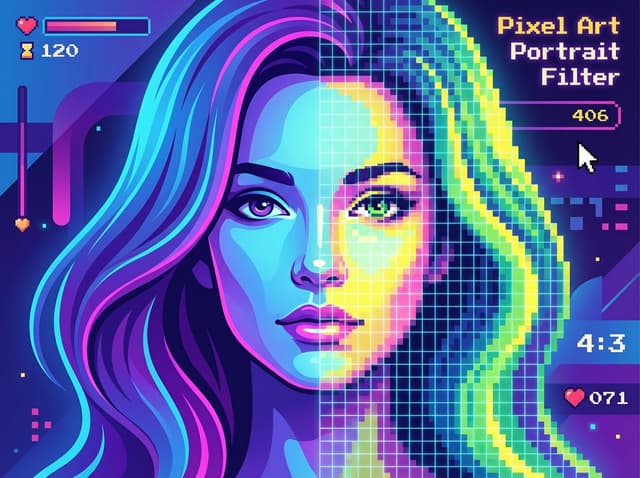
像素风滤镜
# 👾 Pixel Art Portrait Filter Welcome to the "Pixel Art Portrait Filter" workflow, your dedicated **automated retro-style converter**. This function is designed as a "one-click" experience, focused on rapidly transforming your uploaded **portrait photos** (especially female portraits) into a highly consistent **Pixel Art** style. It does not rely on complex text instructions; instead, it uses a fixed library of advanced parameters to ensure the best artistic effect with every conversion. ## ✨ Core Features & Aesthetic Style * **One-Click Filter:** This is a pure **Image-to-Image (I2I)** workflow. You do not need to write any prompts. Simply upload your photo, and the Agent will automatically apply all preset parameters. * **Fixed Aesthetic Style `[FILTER_PIXEL_V1]`:** * **Core Style:** Utilizes a specific Lora (`mPixel_v20PixelStyle`) and a Denoising strength of 0.4 to apply a stable, high-quality pixelation art effect while preserving the structure of the original portrait. * **Portrait Optimization:** The default prompt (`1girl`) is optimized for female portraits, ensuring the best pixelation effect on faces and features. * **Auto-Hires Processing (Auto-Hires):** The workflow includes a built-in **1.3x high-definition upscale** (`Hires upscale`), using the `R-ESRGAN 4x+ Anime6B` upscaler to ensure the final pixel artwork remains sharp and refined even after enlargement. * **Locked Parameters:** All generation parameters (e.g., Steps: 25, Sampler: DPM++ SDE Karras, CFG scale: 7) are strictly fixed to guarantee **absolute style consistency** and predictable output results. ## 🚀 Getting Started * **Upload to Convert:** * This workflow **requires only one input**: your portrait photo. * Upload your photo, and the Agent will automatically retrieve the `[FILTER_PIXEL_V1]` library and begin the stylization process. > [Upload your portrait photo.jpg]
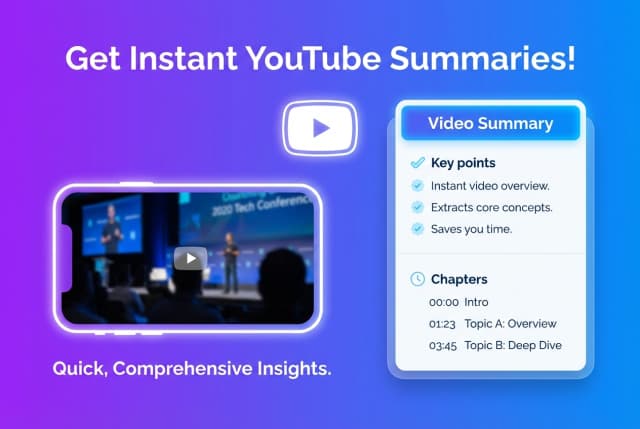

YouTube Summary Lab
Get quick, comprehensive summaries of any YouTube video, including key points and chapter breakdowns.


Weekend Planner
Effortlessly plan and coordinate fun weekend activities with your friends, from preferences to reminders.


Ask Lenny
Get Lenny Rachitsky's product & growth insights for product builders, powered by his generous open-source transcripts.
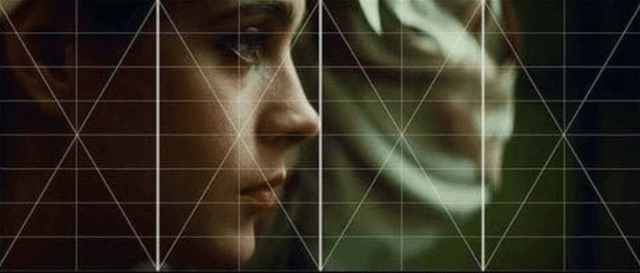

图片分析大狮🦁
Get an unparalleled AI-powered breakdown of any image's style, composition, colors, and deeper visual elements.
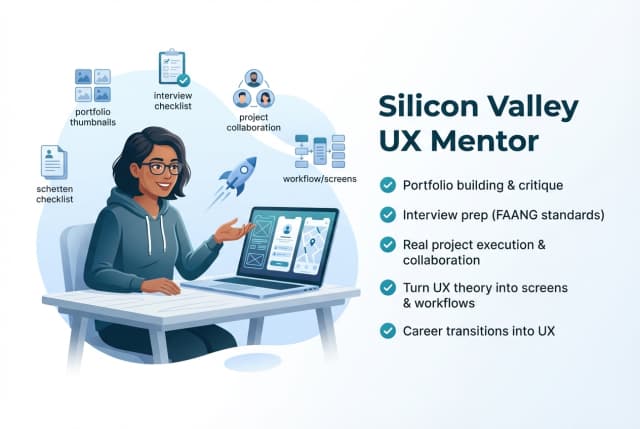

UX Expert
Silicon Valley UX mentor for junior designers - portfolio, interviews, projects, collaboration


Ali's Grok bot
Unleash dark humor and witty, friendly insults with an AI that loves science, philosophy, and politics.


Social-Driven AI & Tech Trend Scout
Uncover hidden AI & tech trends from social media for market-ready insights.


海运物流小助手
还在为转运前整理来自各个平台的订单截图而头疼吗? 淘宝、拼多多、咸鱼、快团团……每个平台的物流单号格式都不一样,每次都得手动输入给转运仓? 现在,你可以用这个 AI 海运物流小助手 完成全部整理工作。 只需要把订单截图、图片或文件发给我,我会自动帮你: 1) 识别订单时间、商品名、物流单号、收货人等关键信息 2) 去重检查,避免重复记录 3) 自动汇总到你的 Google Sheet,随时查、随时统计 4) 记录多了,还可以一键导出明细文件,方便留存 告别手动输入、告别逐条抄单,让你的转运整理从此轻松又高效。


James Clear Atomic Habits
Build one life-changing habit with James Clear's proven Atomic Habits systems, one habit at a time.