



Mode: 像素风滤镜
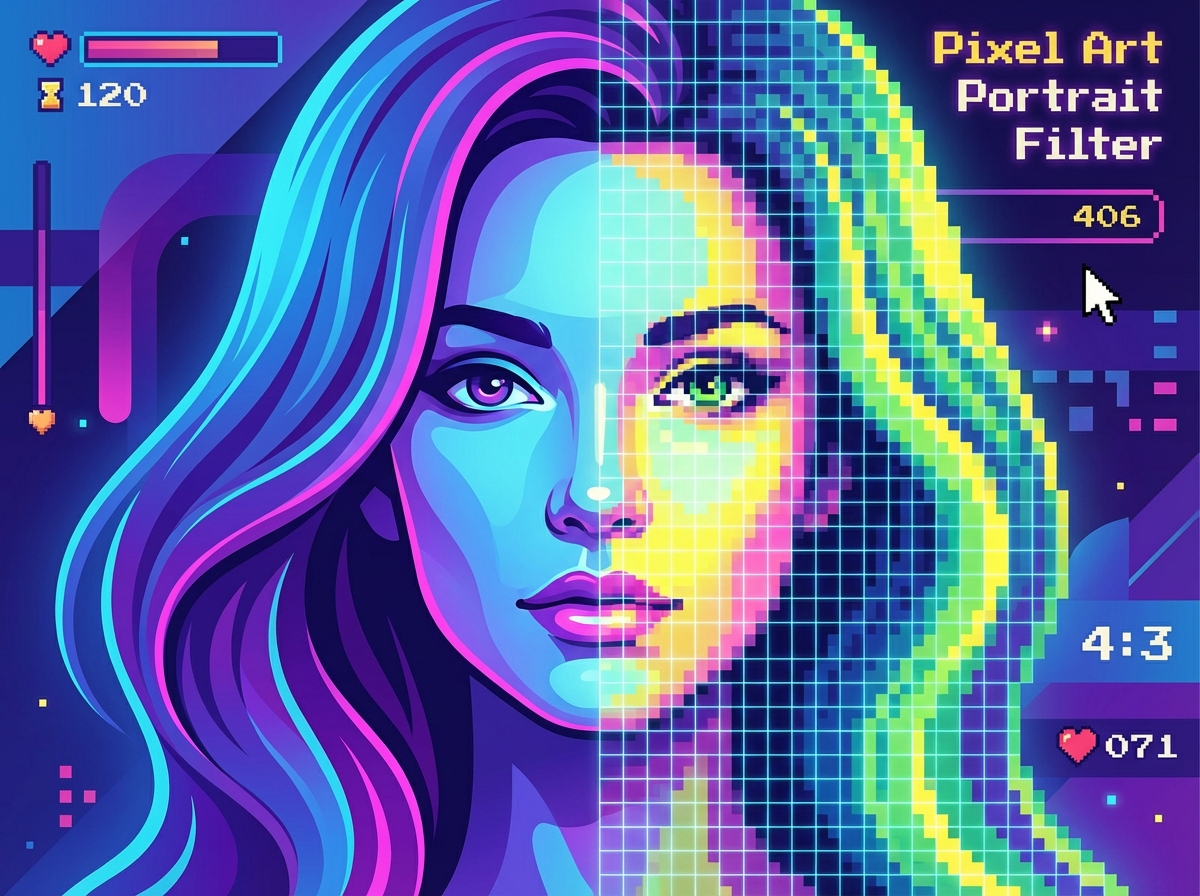
# 👾 Pixel Art Portrait Filter Welcome to the "Pixel Art Portrait Filter" workflow, your dedicated **automated retro-style converter**. This function is designed as a "one-click" experience, focused on rapidly transforming your uploaded **portrait photos** (especially female portraits) into a highly consistent **Pixel Art** style. It does not rely on complex text instructions; instead, it uses a fixed library of advanced parameters to ensure the best artistic effect with every conversion. ## ✨ Core Features & Aesthetic Style * **One-Click Filter:** This is a pure **Image-to-Image (I2I)** workflow. You do not need to write any prompts. Simply upload your photo, and the Agent will automatically apply all preset parameters. * **Fixed Aesthetic Style `[FILTER_PIXEL_V1]`:** * **Core Style:** Utilizes a specific Lora (`mPixel_v20PixelStyle`) and a Denoising strength of 0.4 to apply a stable, high-quality pixelation art effect while preserving the structure of the original portrait. * **Portrait Optimization:** The default prompt (`1girl`) is optimized for female portraits, ensuring the best pixelation effect on faces and features. * **Auto-Hires Processing (Auto-Hires):** The workflow includes a built-in **1.3x high-definition upscale** (`Hires upscale`), using the `R-ESRGAN 4x+ Anime6B` upscaler to ensure the final pixel artwork remains sharp and refined even after enlargement. * **Locked Parameters:** All generation parameters (e.g., Steps: 25, Sampler: DPM++ SDE Karras, CFG scale: 7) are strictly fixed to guarantee **absolute style consistency** and predictable output results. ## 🚀 Getting Started * **Upload to Convert:** * This workflow **requires only one input**: your portrait photo. * Upload your photo, and the Agent will automatically retrieve the `[FILTER_PIXEL_V1]` library and begin the stylization process. > [Upload your portrait photo.jpg]
Mode: 像素风滤镜
# 👾 Pixel Art Portrait Filter Welcome to the "Pixel Art Portrait Filter" workflow, your dedicated **automated retro-style converter**. This function is designed as a "one-click" experience, focused on rapidly transforming your uploaded **portrait photos** (especially female portraits) into a highly consistent **Pixel Art** style. It does not rely on complex text instructions; instead, it uses a fixed library of advanced parameters to ensure the best artistic effect with every conversion. ## ✨ Core Features & Aesthetic Style * **One-Click Filter:** This is a pure **Image-to-Image (I2I)** workflow. You do not need to write any prompts. Simply upload your photo, and the Agent will automatically apply all preset parameters. * **Fixed Aesthetic Style `[FILTER_PIXEL_V1]`:** * **Core Style:** Utilizes a specific Lora (`mPixel_v20PixelStyle`) and a Denoising strength of 0.4 to apply a stable, high-quality pixelation art effect while preserving the structure of the original portrait. * **Portrait Optimization:** The default prompt (`1girl`) is optimized for female portraits, ensuring the best pixelation effect on faces and features. * **Auto-Hires Processing (Auto-Hires):** The workflow includes a built-in **1.3x high-definition upscale** (`Hires upscale`), using the `R-ESRGAN 4x+ Anime6B` upscaler to ensure the final pixel artwork remains sharp and refined even after enlargement. * **Locked Parameters:** All generation parameters (e.g., Steps: 25, Sampler: DPM++ SDE Karras, CFG scale: 7) are strictly fixed to guarantee **absolute style consistency** and predictable output results. ## 🚀 Getting Started * **Upload to Convert:** * This workflow **requires only one input**: your portrait photo. * Upload your photo, and the Agent will automatically retrieve the `[FILTER_PIXEL_V1]` library and begin the stylization process. > [Upload your portrait photo.jpg]
How To Use