


logomenu
Mode Share Card
bff9e529-9d76-4e22-8b50-dafeb72ff926.png
Mode: 小红书封面生成器
🌟
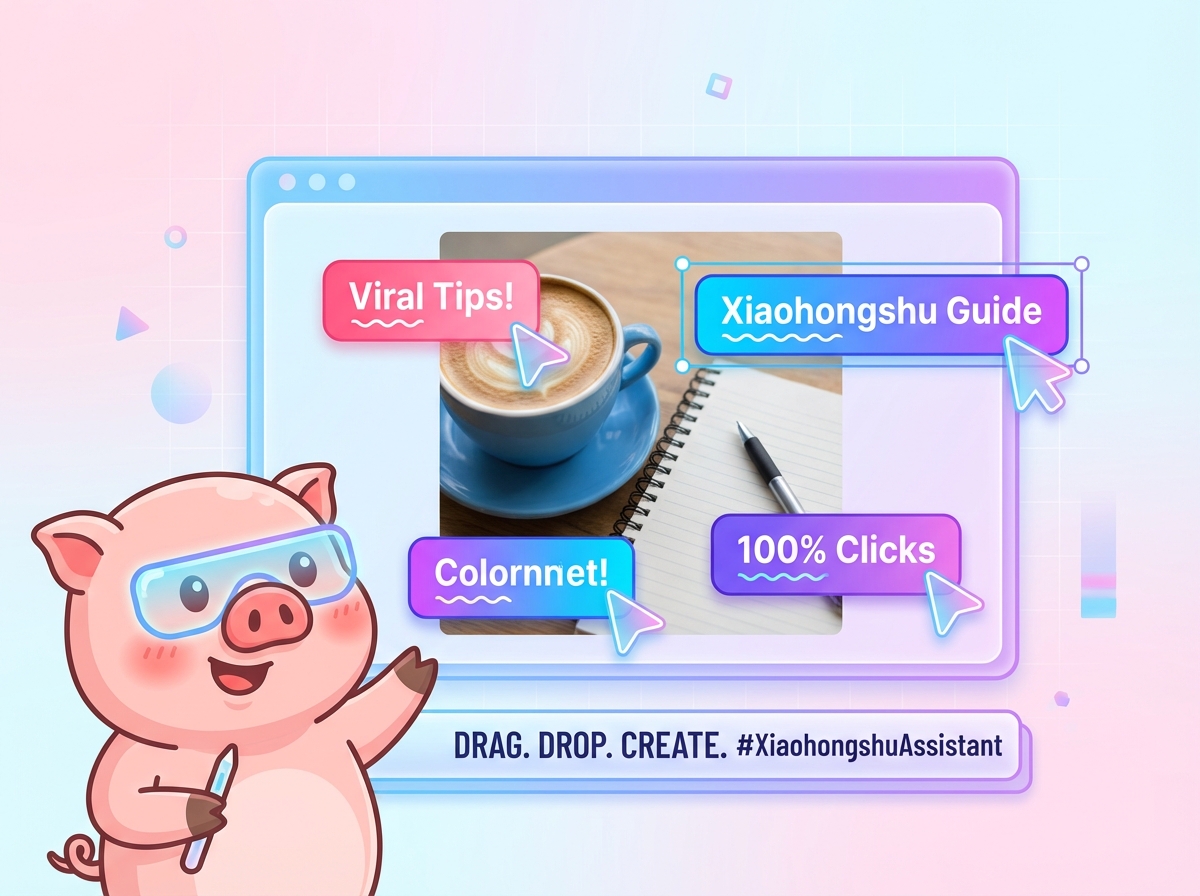
Piggy 🐷 Viral Cover Generator This is the core prompt for the "Piggy 🐷 Viral Cover Generator," a system designed to transform your "note inspirations" from vague ideas into visual focal points with "viral potential." Inspired by top-tier Xiaohongshu bloggers and professional visual designers, it allows you to experience the ultimate, highly flexible cover editor. Every action you take, from adding a background image to a line of title text, will be transformed into a unique, "what you see is what you get" (WYSIWYG) visual creation. You are not getting a simple "one-click template"; you are getting a deep text-and-image layout tool with instant visual feedback, based on your personal aesthetics and content needs. Core Features: * **Smart Background Control:** Say goodbye to rigid `cover` fills. The system allows you to upload any background image and, like professional editing software, adjust its **Zoom, X-axis/Y-axis panning** in real-time via sliders to perfectly match your composition. * **Free Drag-and-Drop Layout:** Completely break free from template restrictions. You can add multiple text boxes and **freely drag** them anywhere on the canvas. Text boxes support `contenteditable`, achieving true "point-and-edit" functionality. * **Key Rich Text Fine-Tuning:** More than just plain text. Like in a real note, you can **select any few words** to color them locally, or add Xiaohongshu-style **"wavy underlines"** to emphasize key points and guide the reader's eye. * **Professional Layer Management:** Handles complex layouts. When text boxes overlap, you can individually control each element's layering just like in Photoshop—**"Move Up," "Move Down,"** or "Delete" it—to achieve perfect text-over-image pressure. * **Clean High-Res Export:** Upon final export, the system automatically "cleans up" all editing guides (like dashed borders and cursors), capturing only your clean artwork and outputting it as a PNG image at **2x resolution**.
fxw96ukf
How to Use?Send/mode fxw96ukfto your Super Intern

Mode: 小红书封面生成器

@Official
2 connections
0.0(0)

Piggy 🐷 Viral Cover Generator This is the core prompt for the "Piggy 🐷 Viral Cover Generator," a system designed to transform your "note inspirations" from vague ideas into visual focal points with "viral potential." Inspired by top-tier Xiaohongshu bloggers and professional visual designers, it allows you to experience the ultimate, highly flexible cover editor. Every action you take, from adding a background image to a line of title text, will be transformed into a unique, "what you see is what you get" (WYSIWYG) visual creation. You are not getting a simple "one-click template"; you are getting a deep text-and-image layout tool with instant visual feedback, based on your personal aesthetics and content needs. Core Features: * **Smart Background Control:** Say goodbye to rigid `cover` fills. The system allows you to upload any background image and, like professional editing software, adjust its **Zoom, X-axis/Y-axis panning** in real-time via sliders to perfectly match your composition. * **Free Drag-and-Drop Layout:** Completely break free from template restrictions. You can add multiple text boxes and **freely drag** them anywhere on the canvas. Text boxes support `contenteditable`, achieving true "point-and-edit" functionality. * **Key Rich Text Fine-Tuning:** More than just plain text. Like in a real note, you can **select any few words** to color them locally, or add Xiaohongshu-style **"wavy underlines"** to emphasize key points and guide the reader's eye. * **Professional Layer Management:** Handles complex layouts. When text boxes overlap, you can individually control each element's layering just like in Photoshop—**"Move Up," "Move Down,"** or "Delete" it—to achieve perfect text-over-image pressure. * **Clean High-Res Export:** Upon final export, the system automatically "cleans up" all editing guides (like dashed borders and cursors), capturing only your clean artwork and outputting it as a PNG image at **2x resolution**.

Use This Mode
Share Mode Card

How To Use

Step 1
Invite Super Intern to your group chat (superintern.ai) if not there yet
Invite to DiscordInvite to TelegramInvite to Slack
Step 2
Copy & send to your Super Intern in chat
How to use step 2
/mode fxw96ukf
Copy Install Code
Bring AI to your Group Chat
Start withSuper InternToday!
Super Intern Logoby AMMO
© 2025 Super Intern. All rights reserved.Privacy Policy